Use GitHub on your whole screen with Wide GitHub, the browser extension

I use GitHub almost every day and I find it frustrating that a platform used by millions of developers around the world still hasn’t adopted a wide layout.
Since I mostly visit the site on a 27” screen, this shortcoming is even more obvious to me.
While Google Chrome has several extensions to optimize GitHub’s layout and make it wide and/or responsive, on Firefox the only extension that did this job stopped working.
So I developed and released an extension for Mozilla Firefox called “Wide GitHub” that — once installed — makes GitHub’s layout wide, giving an optimal view of the site to those using large monitors too.
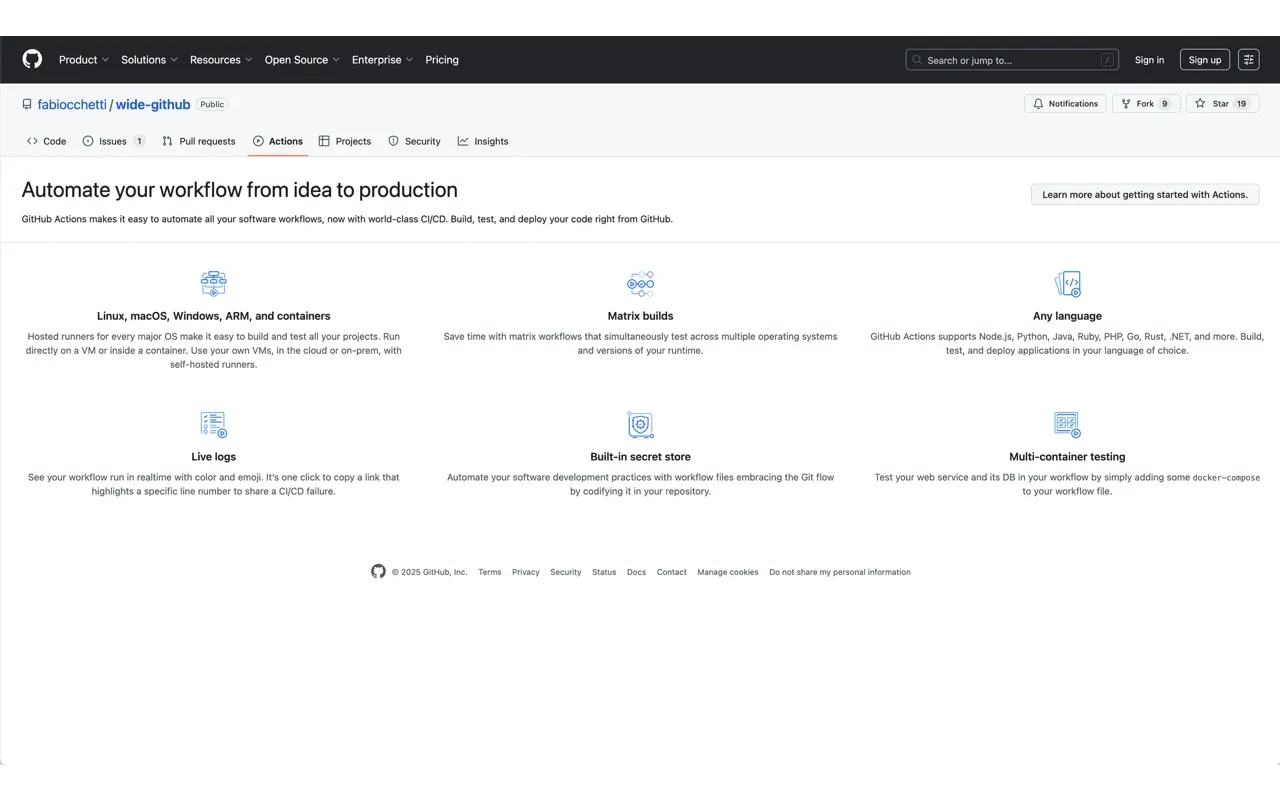
GitHub is finally wide!
Wide GitHub today
Over time Wide GitHub has grown quite a bit: I rewrote it from scratch, brought it to Google Chrome and Microsoft Edge too, and updated it every time GitHub changed its layout, partly thanks to contributions from the people who use it.
Here’s what it does today:
- makes code, diffs, pull requests, issues and discussions wide on GitHub, Gist, GitHub Pages and GitHub Enterprise;
- lets you add a self-hosted instance’s domain from the popup, asking for permission for that domain only;
- switches on and off with one click from the toolbar;
- syncs your preferences across devices through your browser’s built-in sync;
- collects no data at all.
It’s free and open source, and you can install it from your browser’s store:
Or visit the project’s repo, but install Wide GitHub first 😄
Frequently asked questions
Why did GitHub need an extension to make it wider?
Because the layout had a fixed maximum width, designed for screens much smaller than the ones we use today. On a 27-inch monitor the result was two huge empty bands on the sides and the code squeezed in the middle: a problem you really notice if you read diffs all day.
Which browsers does it work on?
Firefox, Google Chrome and Microsoft Edge, each with its own listing on the official store. The code is the same for all three, so new features reach every browser at once.
Does it work with GitHub Enterprise?
Yes. Add your instance's domain from the extension popup: the browser asks for permission for that domain only, and removing it from the list revokes the permission.